Data Sources: Connecting Your App to the Outside World
In our previous article, we introduced the Repository as a gateway. But where does that gateway lead? Today, we explore Clean Architecture Data Sources—the actual endpoints where your app talks to the internet or the phone’s storage.
What are Data Sources?
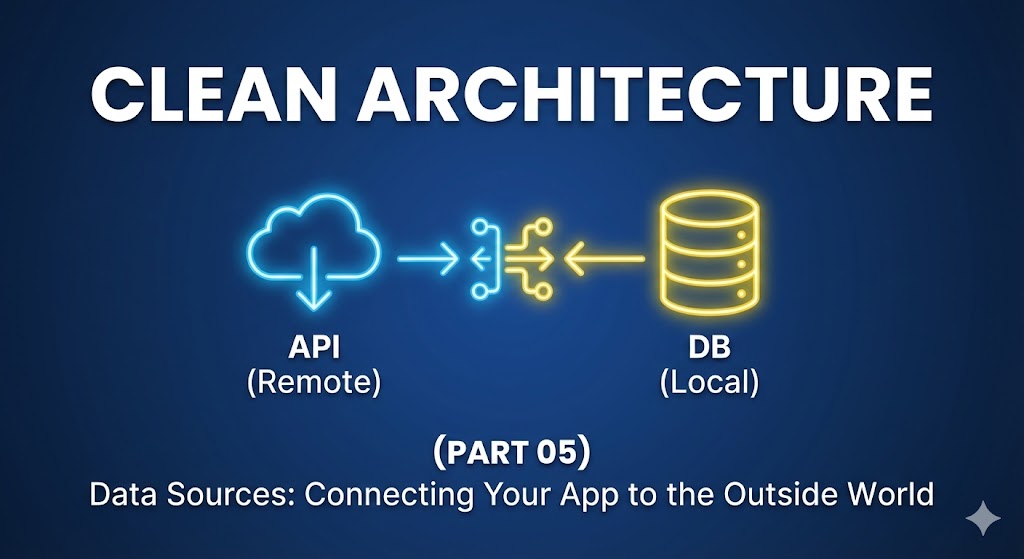
A Data Source is the lowest level of your Data Layer. Its only job is to perform the “CRUD” (Create, Read, Update, Delete) operations on a specific platform. Generally, we divide these into two categories:
- Remote Data Source: Handles network requests (e.g., calling a REST API using
httpordio). - Local Data Source: Handles local storage (e.g., SQLite, Hive, or SharedPreferences).
Why separate them from the Repository?
You might wonder, “Why not just put the API call inside the Repository Implementation?” The answer lies in the Single Responsibility Principle.
The Repository’s job is to decide which data to show (e.g., “Check local cache first, then fetch from remote”). The Data Source’s job is to get that data.
Key Benefits:
- Library Independence: If you want to switch from the
httppackage todio, You only change the Data Source. Your Repository and Use Cases stay the same. - Error Handling: You can catch low-level network errors (like a 404 or 500) at the Data Source level and convert them into custom “Exceptions” that your app understands.
- Cleaner Testing: You can test your network logic independently of your business logic.
Practical Code Example
Let’s implement a Remote Data Source for our user profile feature.
Step 1: The Interface (The Contract)
// Data Layer: data_sources/user_remote_data_source.dart
abstract class UserRemoteDataSource {
  Future<UserModel> getUserFromApi(String id);
}
Step 2: The Implementation
This is where we use our favorite HTTP client to fetch the raw data.
// Data Layer: data_sources/user_remote_data_source_impl.dart
class UserRemoteDataSourceImpl implements UserRemoteDataSource {
  final HttpClient client;

  UserRemoteDataSourceImpl(this.client);

  @override
  Future<UserModel> getUserFromApi(String id) async {
    final response = await client.get('https://api.example.com/users/$id');

    if (response.statusCode == 200) {
      // We return a Model here, not an Entity!
      return UserModel.fromJson(response.data);
    } else {
      throw ServerException();
    }
  }
}
Conclusion
By isolating your Clean Architecture Data Sources, you create a “plug-and-play” system. Your app becomes robust because its core logic doesn’t care about the messy details of status codes or database queries.
In the next part, we will discuss Mappers—the crucial translators that turn these “Models” into the “Entities” our Domain layer loves.
To understand the foundational principles of this layer, I highly recommend reading Uncle Bob’s Original Blog on Clean Architecture, where the concept was first introduced to the software engineering community.